
Settings for a crazy shooting experience
The overlay is the real patch notes. Tune camera and graphics before the lantern silhouettes you.
a crazy shooting experience does not ship a custom settings menu with named presets. What you get is the Roblox overlay plus a first-person western station that punishes a lazy camera. This page is the checklist we wish the empty description box had printed. Bind names still live on controls. This page is what those binds look at.
If you have not spawned yet, start with getting started. If you already die because the mesa eats frames, stay here.
Camera first, cosmetics later
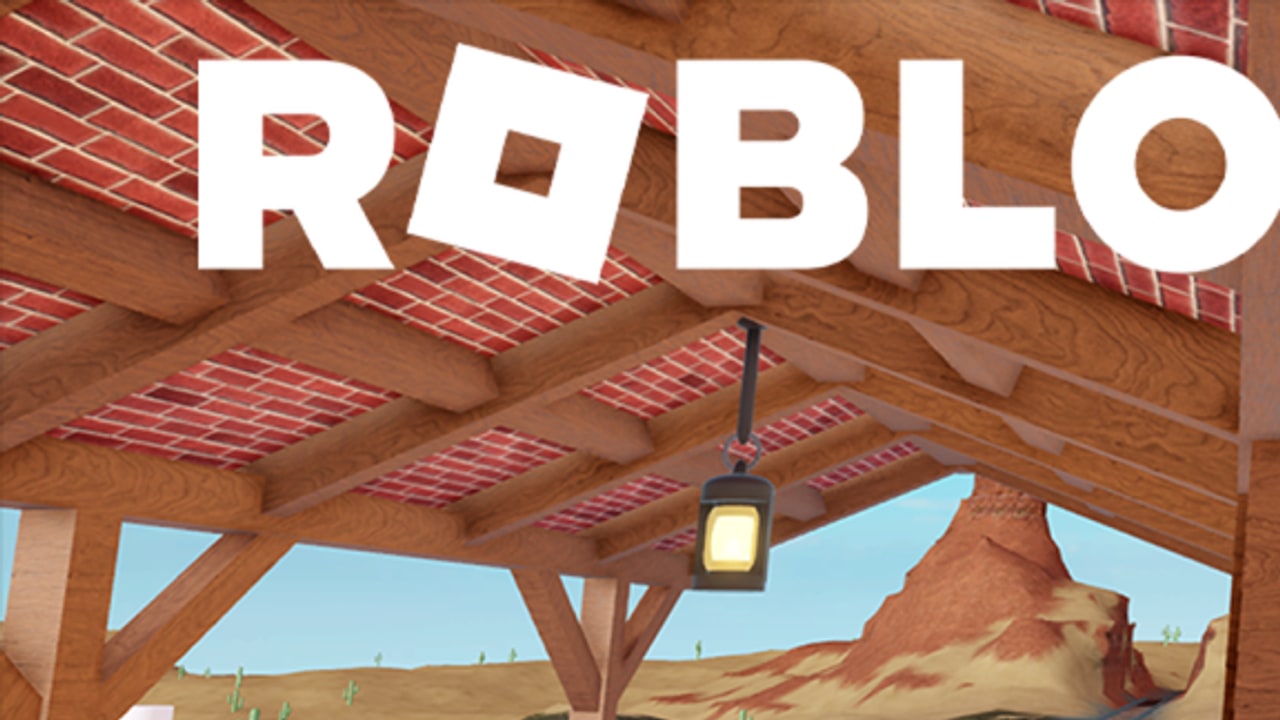
The official thumbnail is first person under a wooden porch. Play that way. Third person on this map is a gift to the shooter: your backpack, hair, and pet poke around beams the hunter cannot otherwise see. Shift lock is a compromise for mobile thumbs, not a stealth tool.
Raise look sensitivity until a 90-degree peek from a doorframe is one motion, not three. Too high and you overshoot the lantern cone. Too low and a hunter clears the room while you are still dragging. Console players should bump look speed one notch above their usual Roblox default; the porch is tighter than a Da Hood street.
Field of view, if your client exposes it, should stay wide enough to see a doorway and a window at once. Do not max FOV so hard that the railroad becomes a fishbowl. Survivors need depth on the rails; shooters need the door edges.
Graphics that keep the porch honest
The station is small, but the mesa, cactus LODs, and hanging lantern still hitch when a twelve-player server spikes. Lower graphics if your frame time jumps when you look from the porch toward the sandstone. Interiors and beams matter more than distant cactus. A survivor who stutters in a doorway is a hiding spots failure, not a skill issue.
Turn off extra shadows if they smear the lantern cone. That cone is the silhouette machine. You want a hard edge, not a bloom soup. Particles from other avatars already leak; your own trail is ranked F on the loadouts page.
Cap FPS only if your device thermal-throttles. A stable 60 on mobile beats a 120 that drops to 20 when two people reload in the same room.
Shift lock versus first person
PC: first person. Mouse peek, crouch at the door, listen for wood versus sand. Shift lock is for players who refuse first person; it still prints your shoulder on the porch post.
Mobile: shift lock or first person, whichever lets you look and move without covering the jump button. The HUD overlap on this porch is the worst of the three devices. Put fire and jump on opposite thumbs. See controls.
Console: first person if stick sensitivity is high enough to check a window without a full turn. If it is not, raise it, then play one round as survivor before you hunt.
Audio is a setting
Unmute. Footsteps on porch boards do not sound like cactus sand. The lantern does not creak; people do. Headphones beat a TV across the room. If Roblox voice chat is on, treat it as a shooter tool — strangers calling “group porch” are farming you. Mute voice, keep game audio.
What not to “optimize”
Do not install a FPS unlocker, a ping fixer, or a universal hub. That is a scripts and safety problem, not a settings problem. Do not pay chat for a “western graphics pack.” There are no game passes. Do not copy Arsenal graphic presets; this is not a gunsmith lobby.
If the round feels late, hop. The cap is 12. A new server is a free settings tweak. Pair hops with the high ping page when latency, not frames, is the tell.
A two-minute lobby ritual
- Overlay: graphics one step below cinematic.
- Camera: first person, sensitivity high enough for a door peek.
- Audio: game on, voice off unless you queued with friends (play with friends).
- Avatar: dull, small, no trail — loadouts.
- One round. If the mesa hitch returns, drop graphics again, not your hiding route.
Then play the loop on how to play. Settings do not replace geography. They keep geography readable.
The 6 September 2026 republish did not add a named settings tab. Until the HUD grows one, this checklist is the tab. Recheck the overlay after every creator timestamp on latest patch. If a bind moved, the overlay wins over this page.
Frequently Asked Questions
Quick answers to the most common questions.
Is there an in-game settings menu?
No dedicated presets. Use the Roblox overlay, then this checklist. Binds: controls.
Should I play third person?
No. The thumbnail is first person. Third person leaks your silhouette on the porch.
Why do frames drop on the mesa?
Distant LODs plus a full server. Lower graphics; interiors matter more than cactus.
Can a script raise FPS safely?
No. Read script safety instead of pasting an unlocker.